
Send iMessage - Default
This is our “default” iMessaging workflow action which allows device lines to be load balanced, meaning natively they will alternate between 2 or more device lines.
Meaning if you have 50 new leads that come through this workflow with 2 lines within your account, 25 of them will be sent to device id 1, while the other 25 will be sent to device id 2.
This is the recommended workflow for most accounts, it automatically balances volume across your lines with no extra setup. Only use the Line Selection (Assigned User / Split) override if you need messages tied to a specific line, for example assigning a particular user's number to their contacts. Keep in mind that once you use an override, you're responsible for managing that volume distribution yourself instead of relying on this default balancing.
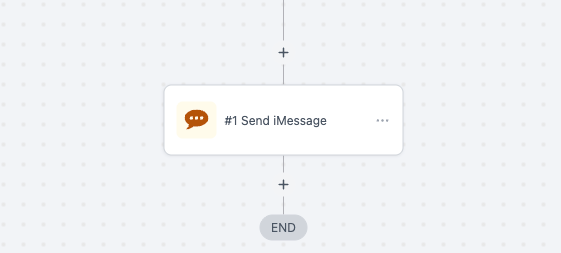
Navigate to the Highlevel "Automations" tab within your sub-account and search "Send iMessage"
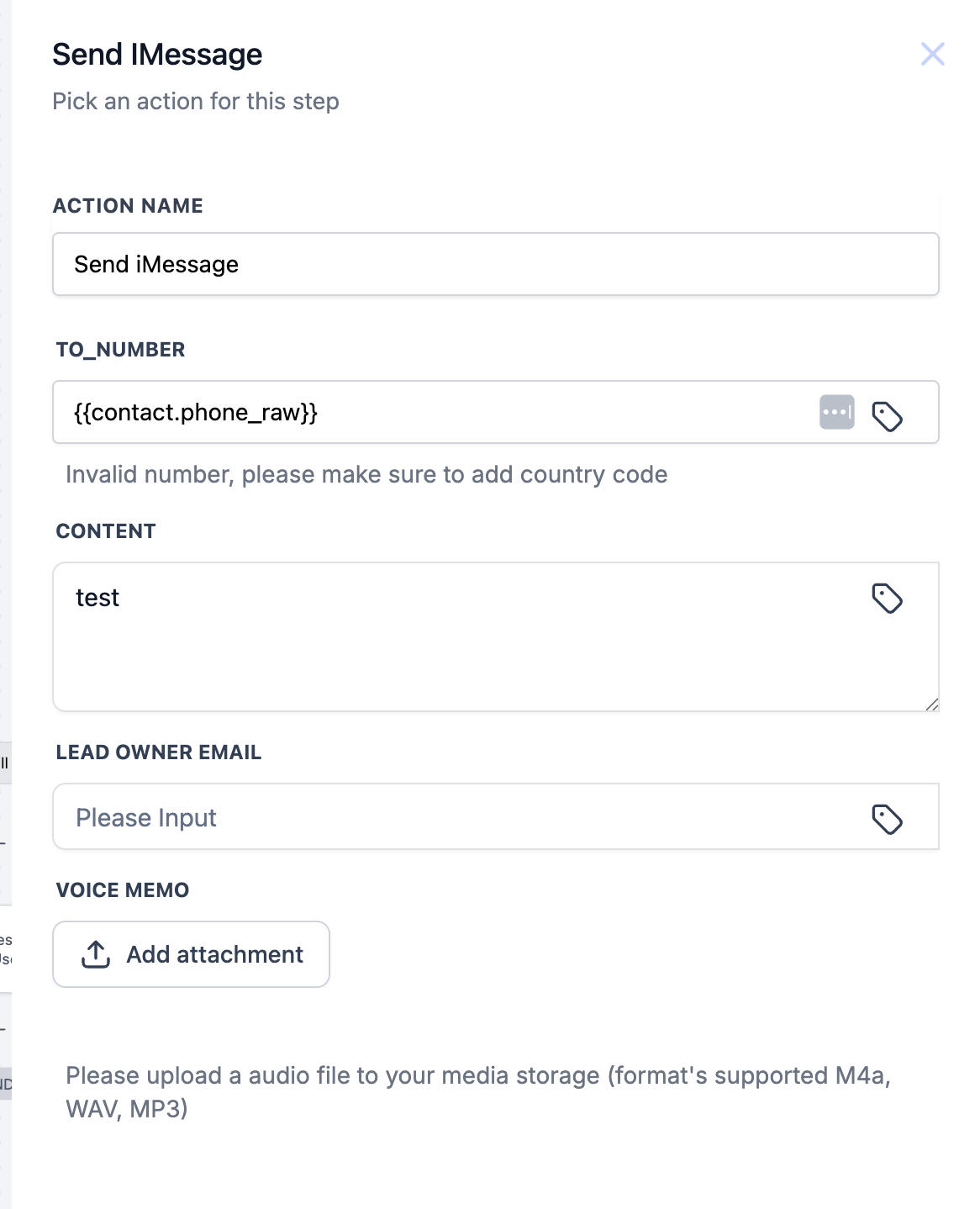
Passing in User Assigned lines with Lead Owner Id
In order to use this feature, the line must be mapped with the associated user in the Project Blue Admin. By default, no numbers are mapped to users