
Getting Started with the Project Blue Mobile App
Project Blue is now on iOS and Android
You can now message and call directly from your phone using the Project Blue mobile app — available on both the App Store and Google Play.
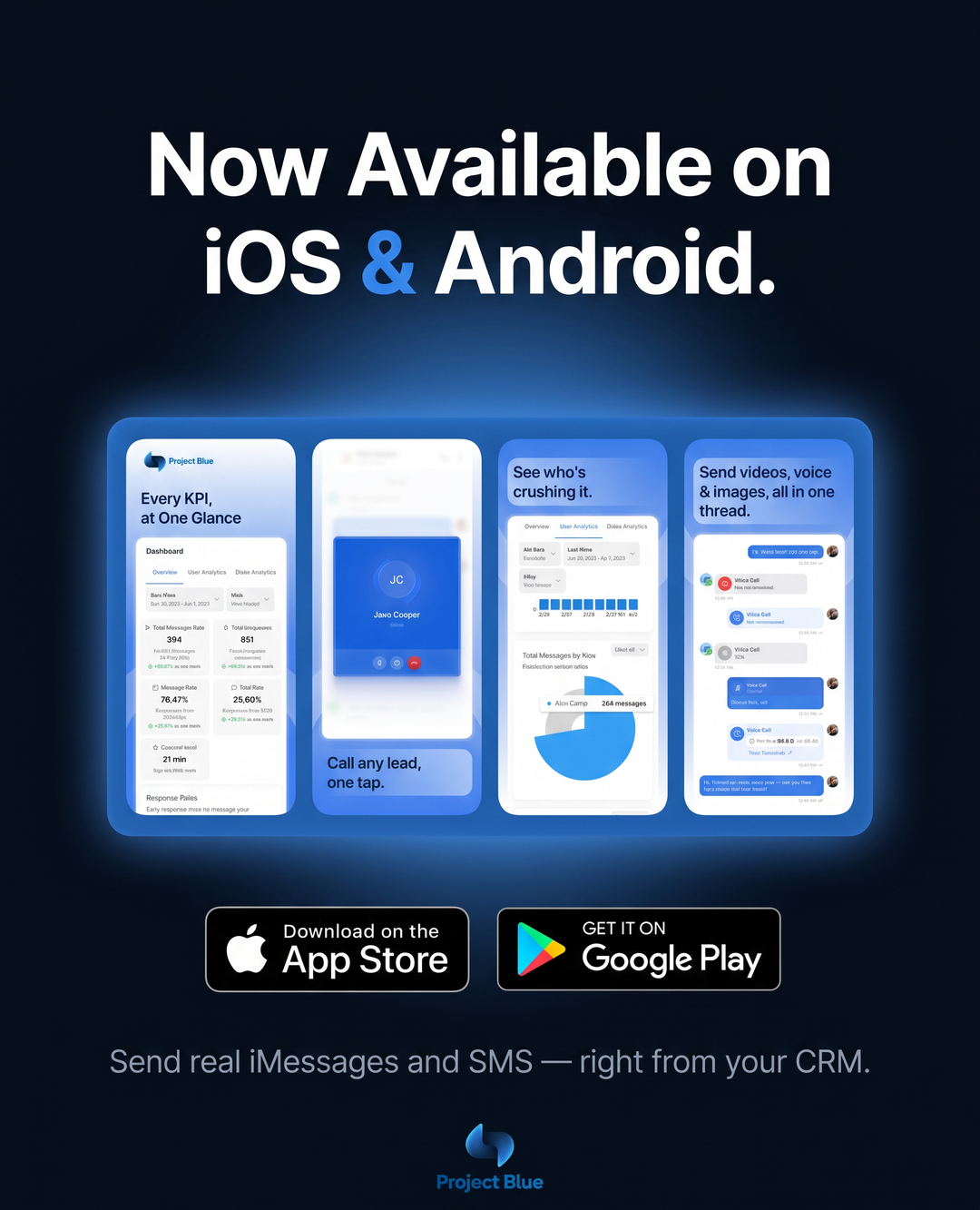
Download the App
Get the app on your device:
What You Can Do on Mobile
Send & receive messages — stay in touch with your contacts on the go
Make & receive calls — handle calls directly from your mobile device
CRM sync — if you've connected a CRM to Project Blue, all messages and calls automatically sync so nothing falls through the cracks
Push Notifications
Mobile push notifications are now available! To manage them, go to Settings → General → Mobile Notifications. You can turn on push notifications for inbound messages, and choose whether you're notified for all conversations or only lines assigned to you in Line Management."
Need Help?
If you run into any issues downloading or using the app, reach out to our support team and we'll get you sorted.