
Voice Memo Automations
Supported audio formats: mp3, WAV, m4a (aac and ogg also work). Other formats, such as .caf or .amr, are skipped and only your text is sent.
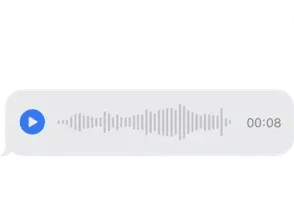
Using a voice memo attachment in the "Send iMessage" action
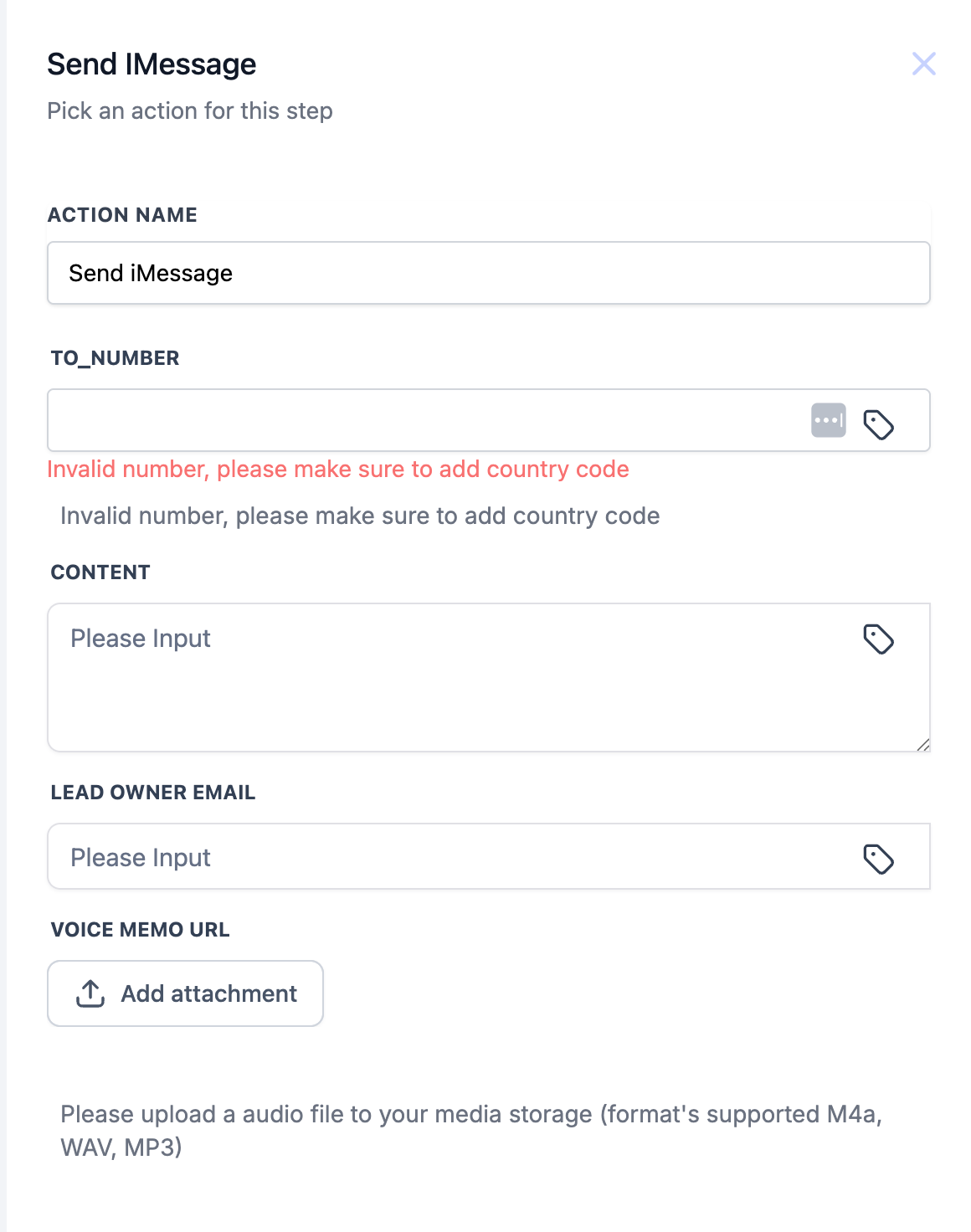
In the Send iMessage action, attach your voice memo in the voice memo field, using one of the audio formats above. You'll see the file attached in the action.
Add message text if you'd like. Text is optional. If you add text, it arrives as a separate message after the voice memo.
Save your workflow.
iMessage contacts get a playable voice message. SMS contacts get a regular audio file. Large files can take a minute or more to arrive.