
Sending and Receiving Attachments
You can send and receive images, videos, voice memos and files in Project Blue conversations. This article covers what's supported, the size limits, and how attachments show up.
Send an attachment
Attach a file: click the paperclip in the message box and choose a file.
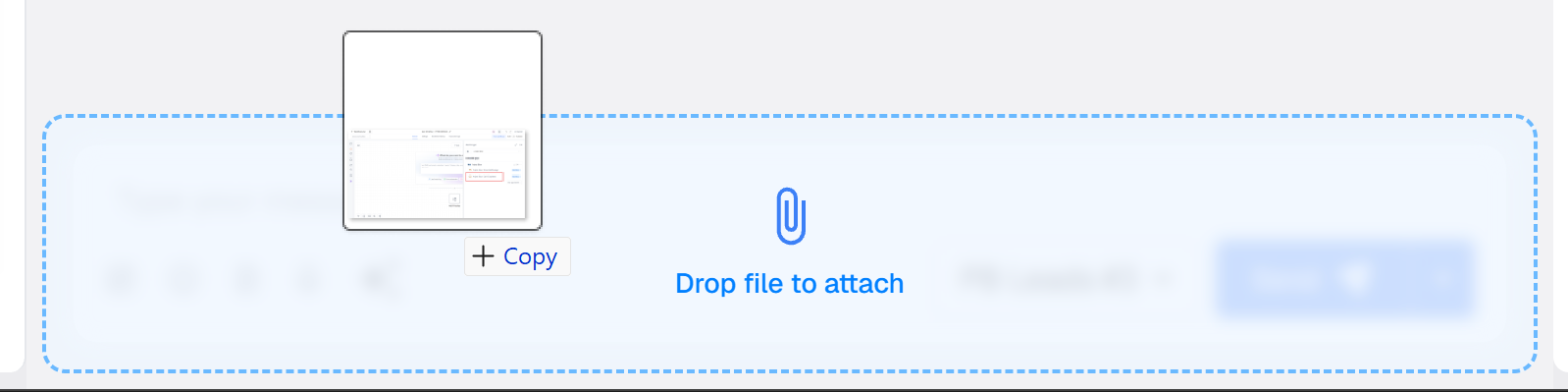
Drag and drop: in the web app and the Chrome extension, drag a file from your computer into the conversation, one file at a time. In the Chrome extension, drag and drop doesn't work for PDFs, so use the paperclip for those. Drag and drop isn't available in the mobile app.
Voice memo: click the microphone, record, and send.

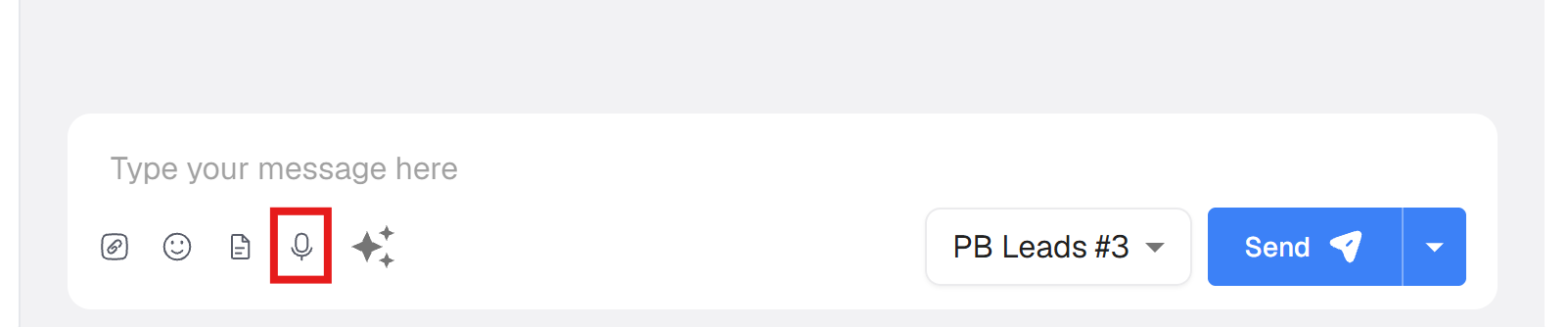
You don't need to add text. In the web app and Chrome extension, you can send an attachment, a voice memo, or both, on their own.
Sizes and types
From the web app and Chrome extension, you can attach images (jpg, png, gif, webp), videos (mp4, mov, avi, mkv, flv), PDFs and contact cards (vcf). Record voice memos with the microphone in the app.
Not supported: HEIC photos and audio files can't be attached. Convert a HEIC photo to jpg or png first.
iMessage lines: large files work, including videos over 14MB. To be safe, keep videos under 30MB.
SMS/MMS and Twilio lines: files over 5MB aren't sent as an attachment. The recipient gets a link instead. Carriers can limit MMS to just a few MB, so send video from an iMessage line.
From GoHighLevel workflows: send audio as mp3, WAV, m4a, ogg or aac; images as png, jpg, gif or webp; and video as mp4, mov, avi, mkv or webm. Keep files under about 5MB when sending through GoHighLevel.
Receive attachments
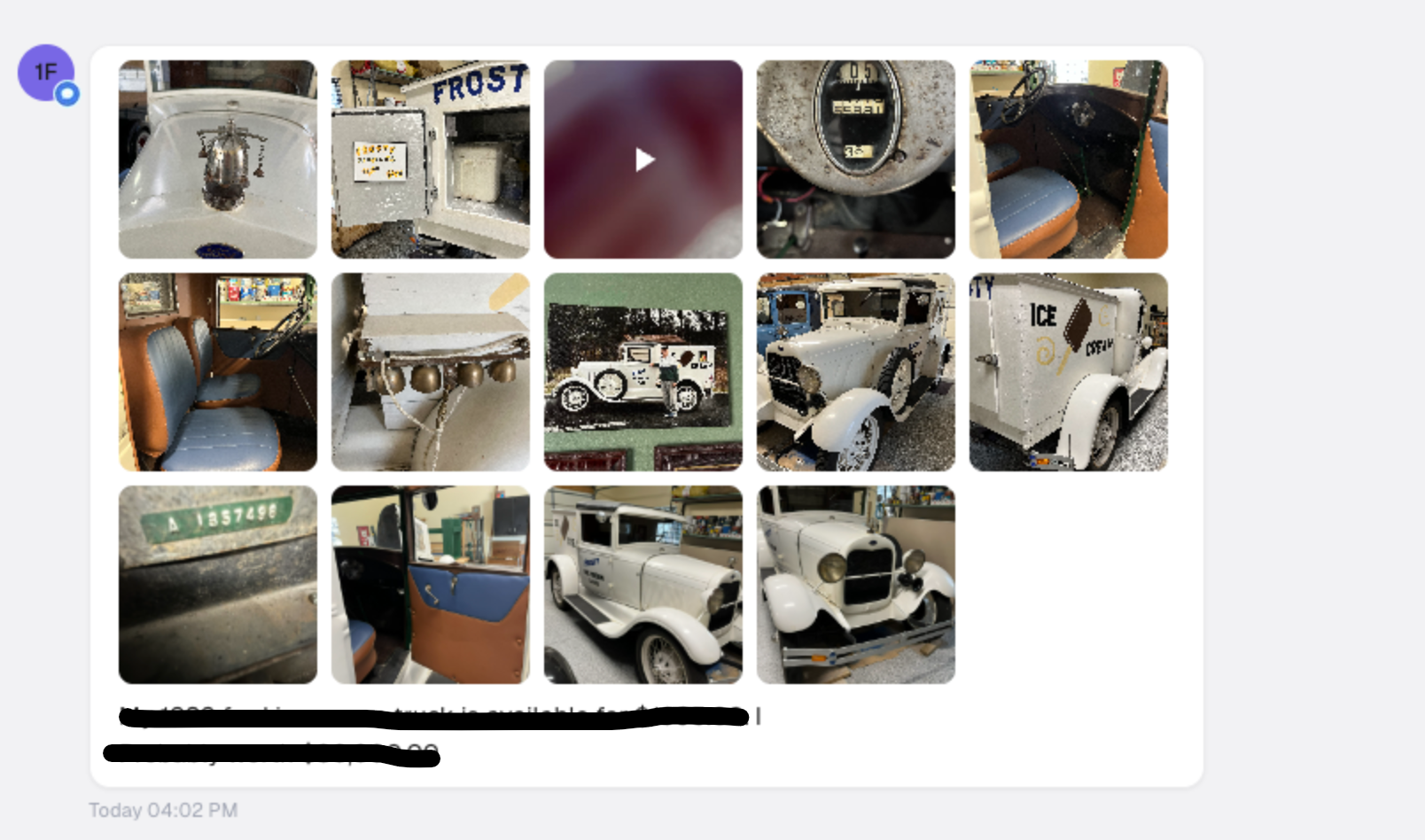
When a contact sends several attachments in one message, they all show in the conversation in the Project Blue web app.
Click or tap an attachment to see it full size.
Attachments are also added to the matching conversation in GoHighLevel, one by one. They aren't added for group chats, and documents such as PDFs aren't added at all. PDFs and other documents still show in the Project Blue app.
HubSpot and Close don't receive attachment files. Close shows a note such as [Attachment] or [Voice memo] instead.
Files over 25MB that a contact sends aren't saved. The message and attachment still appear, but the preview may not load.
For developers
You can fetch received attachments through the Project Blue API. A message lookup returns a link to one image or video and one voice memo per message. Documents such as PDFs, and files over 25MB, aren't included. Webhooks don't include attachment details, so use the API to fetch the message. When you send through the API, you can attach one file per message. See Project Blue API, Webhooks & MCP.
Common issues
An attachment won't open. Try again in a few minutes. If it keeps failing, contact Project Blue support.
A file is too large to send. Compress the video, send it from an iMessage line, or send a link instead.
A HEIC photo won't attach. Convert it to jpg or png and try again.